Real-time visuals,
made for stage.
Fluence is a visual performance studio for live VJing, projection mapping, and motion graphics. Compose shaders, video, audio, and live web. Drive everything from your keyboard, a MIDI controller, OSC, the music itself, or an AI agent over the built-in control API.

One app, every layer of a live rig.
Composition, mapping, mixing, projection, recording. All built as one system.
16 clip types
Shaders, video, audio, images, live web pages, capture cards, NDI, screen and window grabs, generators. Anything that renders is fair game.
Map anything
Bind any control to a key, a MIDI knob, or an OSC address. One capture flow across all three. One source can fan out to many targets.
Audio-reactive
Drive any parameter from any frequency band. Pick the range, set min and max, draw an envelope curve. From the room or an external input.
Layered composition
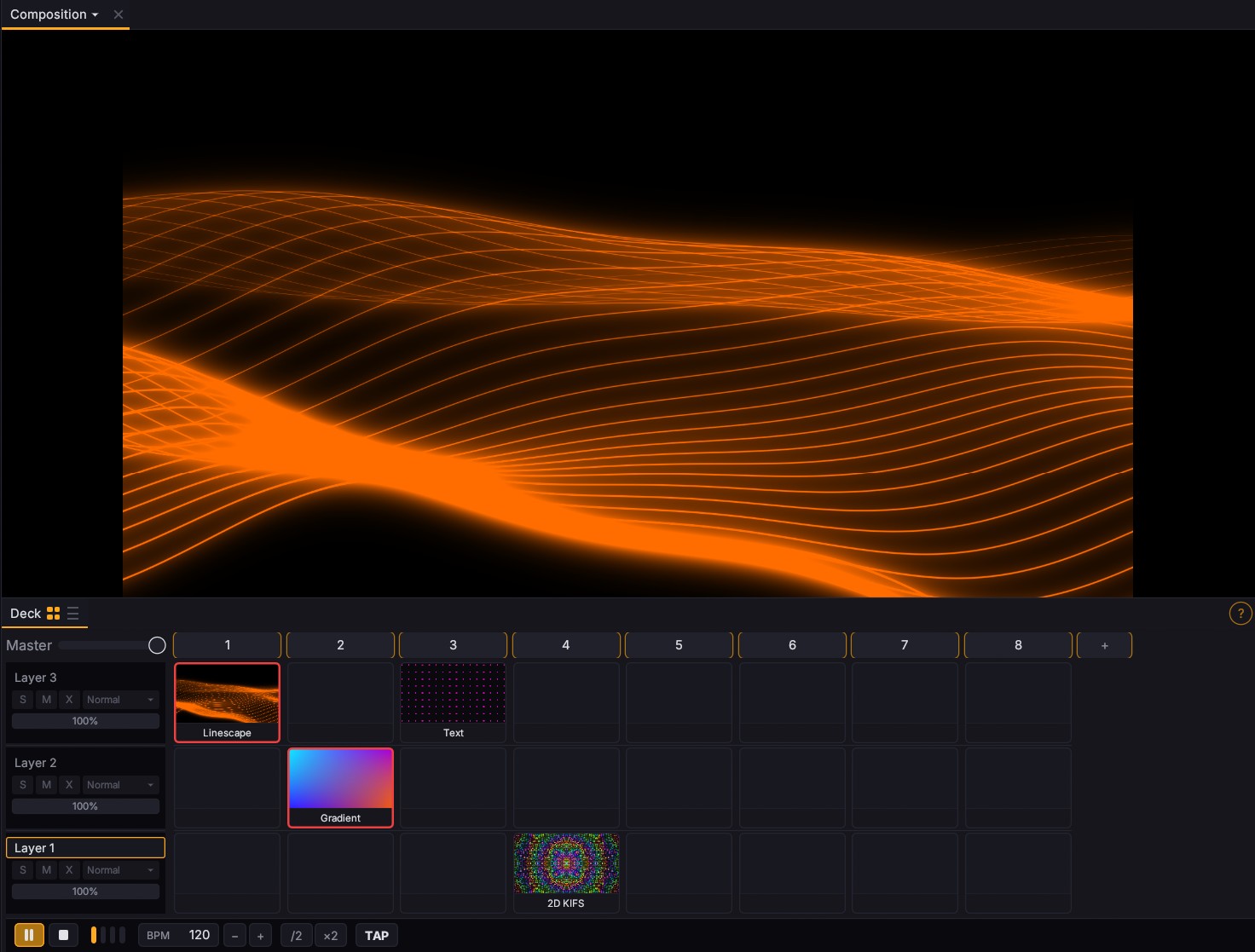
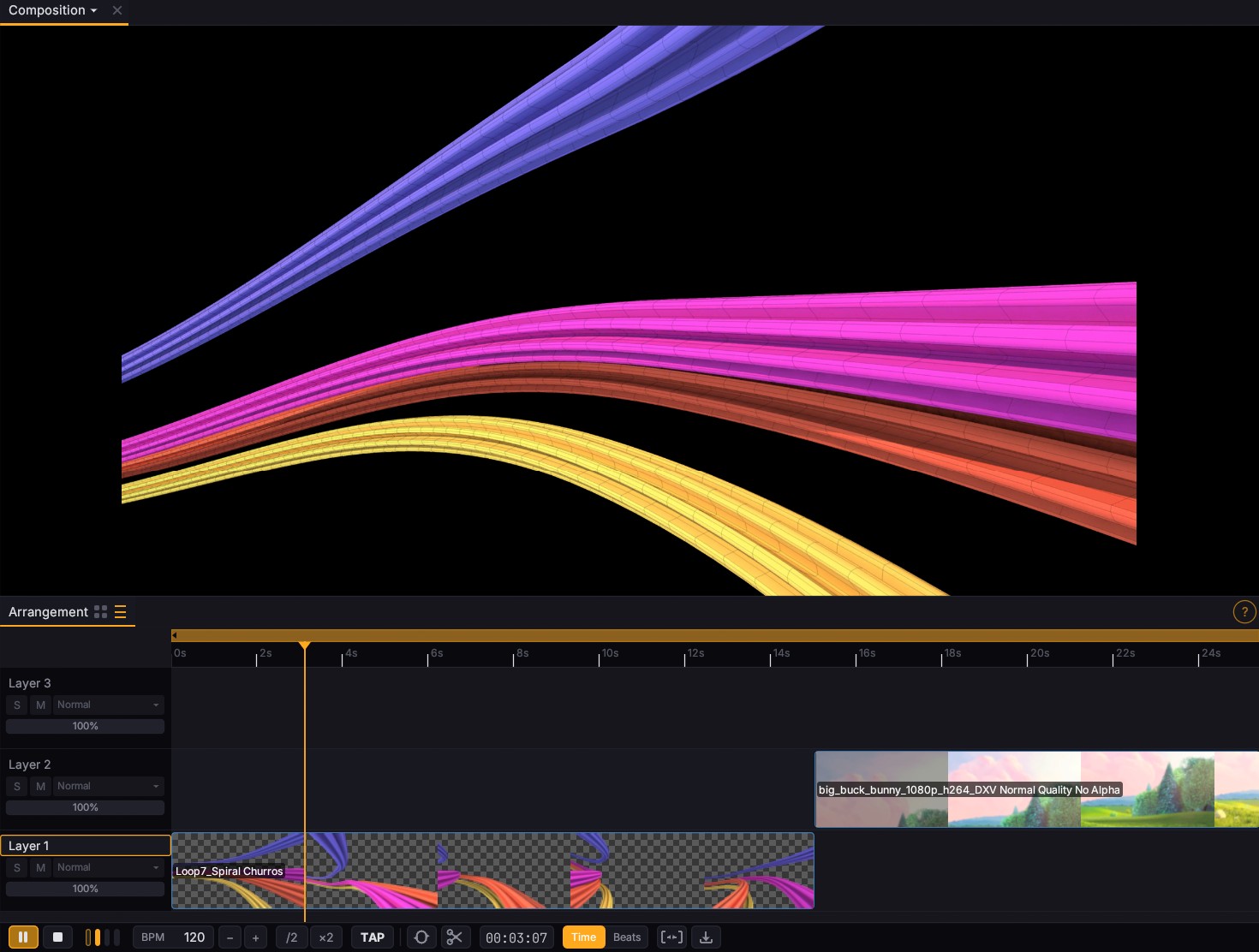
Stack layers, fill slots with clips, group, route. Switch between deck-style triggering and an arrangement timeline you can scrub.
Output anywhere
Multiple displays, projection mapping with slices and warping, edge blending across projectors. Spout, Syphon, and NDI for cross-app rigs.
Record & export
Live record your set with bar-aware start and stop triggers. Export to H.264, ProRes, HAP, DXV3, PNG, and more. Twelve codecs in total.
ISF, GLSL, Shadertoy.
Compute included.
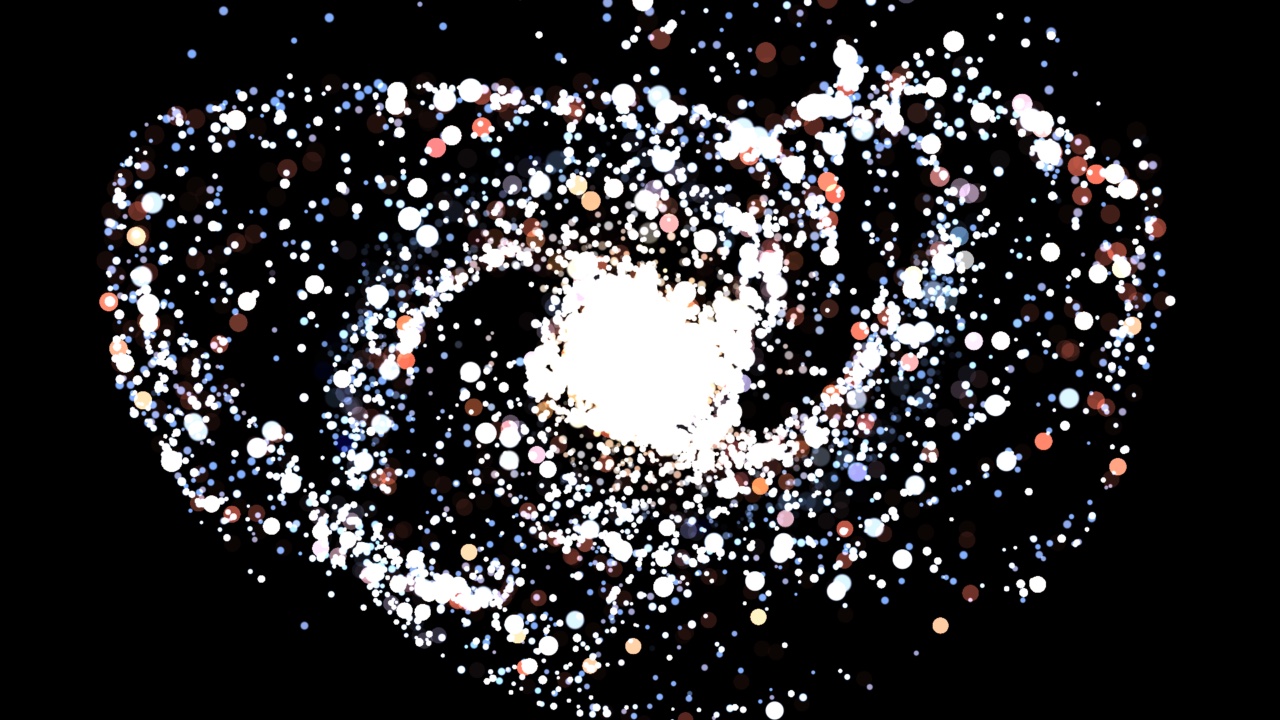
Fluence runs the formats shader authors already write: live parameters, multi-pass buffers, mesh stages with PBR, and a GPU compute layer that makes half-million-particle simulations just another clip. Drop a file in a folder and play it. No build step.
Made to perform.
Pre-arrange.
Or perform.
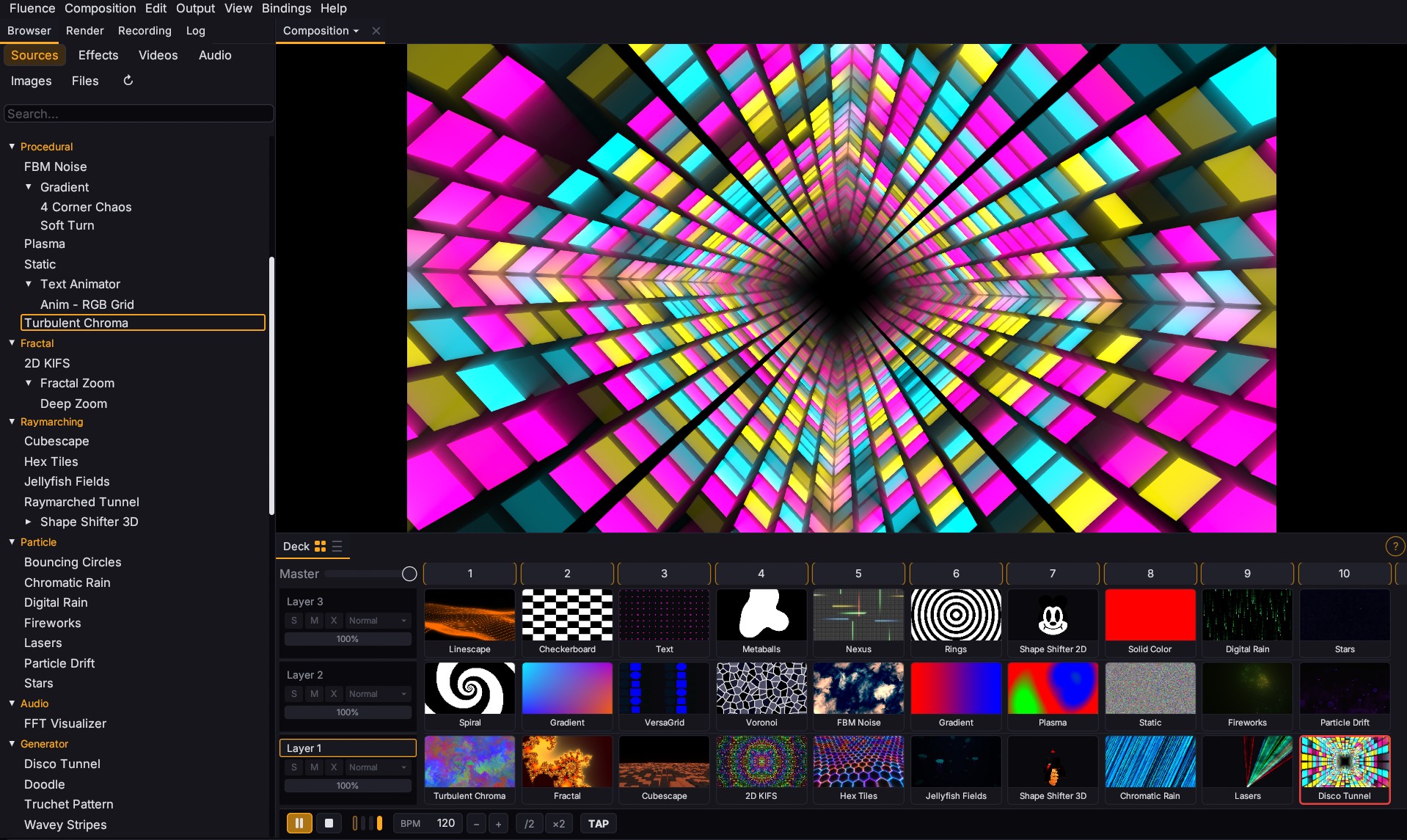
A layered deck for live triggering. An arrangement timeline for prepared sets. Both views, same composition. Stack layers, group them, blend across 27 modes, transition with cuts, fades, wipes, or pushes.
A studio's worth of generators, built in.
ISF and GLSL shaders. Multi-pass Shadertoy import. A point-and-click 3D modeler that generates raymarched GLSL on the fly. Deep-zoom Mandelbrot. Animated text with per-character stagger. Drop your own shader files into a folder and they show up in the browser.
One mapping system. Three protocols.
Keyboard, MIDI, OSC. Captured the same way, stored the same way. Click a control, press a key or move a knob, done. One source can fire a whole scene. Bindings save with the project so the next show starts where you left off.

Ready to rig it up?
Download Fluence and start composing. Every feature works before you buy a license.